

Business systems that work together

ERP consulting & customizationbuilt around your business.

Connect orders, inventory, finance, and customer records. Improve the ERP you rely on with the right extensions, integrations, and cloud services.

  • Odoo & Dynamics 365Business workflows, extensions & integrations
  • Salesforce & connected systemsCustomer, order & financial records
  • From assessment to supportPractical changes, reviewed in stages

Where we can help

Less friction.
Better business flow.

Start with the decision or workflow that needs to change. Explore the support your team needs.

CTO strategy & ERP roadmap

Decide what to retain, extend, connect, or replace—with your business priorities as the starting point.

  • Architecture options
  • Delivery risks
  • Phased roadmap
Explore your first engagement

Assessment & process mapping

Find the gaps between daily work and your ERP. Agree on which changes matter most.

  • Workflow map
  • System inventory
  • Acceptance criteria

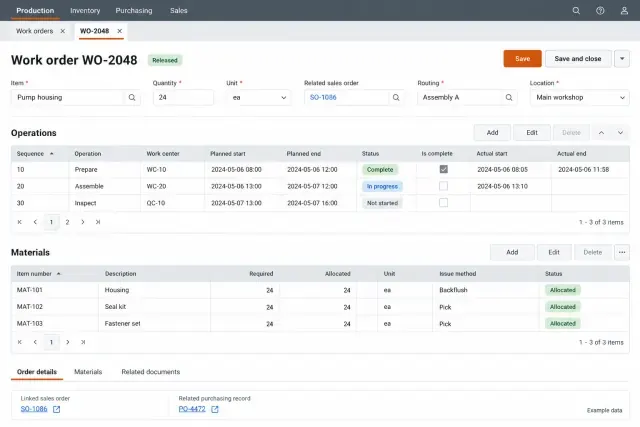
Configuration & custom modules

Build the screens, approvals, and business rules your team needs while planning for future upgrades.

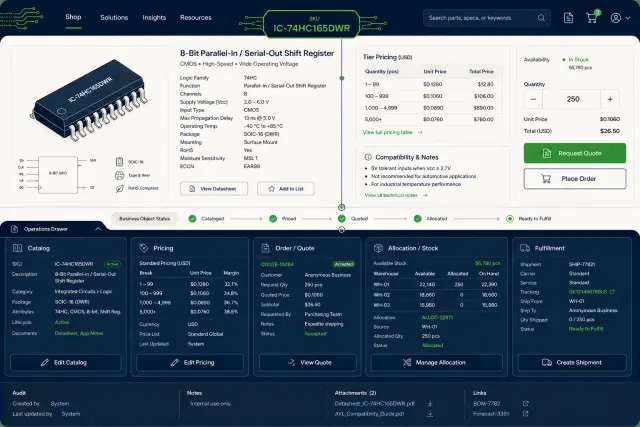
  • Pricing & approvals
  • Inventory & purchasing
  • Customer & supplier portals

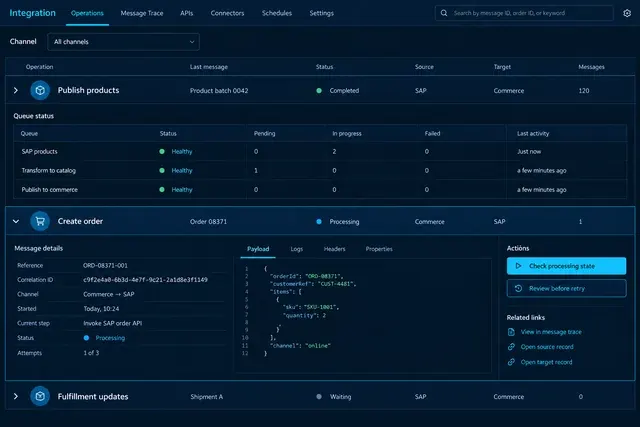
ERP, CRM & commerce integration

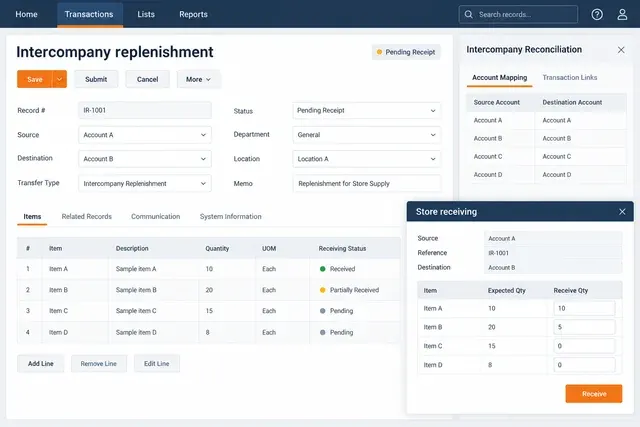
Keep orders connected across sales, warehousing, delivery, and finance. Define which system owns each record.

  • Field mappings
  • Duplicate prevention
  • Reconciliation

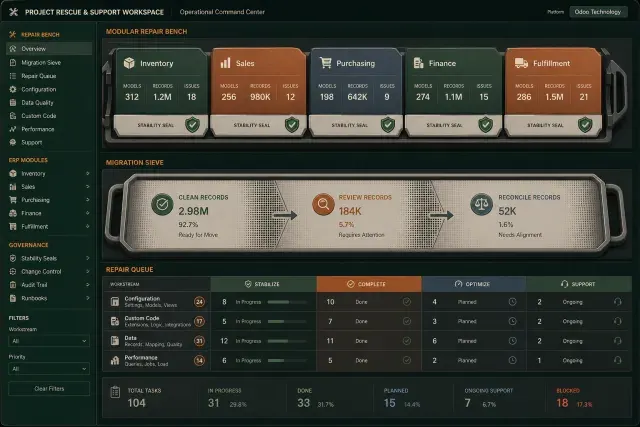
Migration, upgrades & rescue

Recover an inherited implementation or plan a migration around your day-to-day operations.

  • Data cleanup
  • Migration rehearsals
  • Cutover & rollback

Reporting & automation

Turn reliable operational data into useful reports and automation your team can review.

  • Operational reporting
  • Document extraction
  • Human approval & audit history
Colleagues reviewing a plan together at a worktable

Business priorities first

A clear direction.
A practical next step.

RetainExtendConnectReplace

ERP in your industry

Your industry.
Your everyday workflows.

Start with the work your team knows. Connect ERP with the specialized systems that keep your industry moving.

Robotic equipment and a production monitor on a factory floor

Manufacturing

Connect raw material receiving and usage with purchasing, production, shipping, and sales. Keep inventory and costs aligned so shortages do not delay delivery.

Container trucks traveling through a cargo port

Warehousing & logistics

Connect warehouse locations, inventory, staff shifts, and vehicle schedules with ERP. Keep robot task updates, inventory movements, and billing in sync.

Hotel receptionist welcoming travelers with suitcases

Travel & tourism

Connect travel management systems (TMS) and global distribution systems (GDS) with ERP finance. Keep packages, room availability, bookings, promotions, insurance add-ons, supplier payments, and refunds in sync as reservations change.

Store associate arranging clothing in a fashion boutique

Luxury & fashion chains

Connect styles, colors, sizes, and serialized luxury items across stores and online channels. Use demand signals to guide allocation, manage returns, and prepare for busy product launches.

Gloved hand holding a pharmaceutical capsule

Pharma & life sciences

Connect batches, expiration dates, stock holds, and distribution with quality records. Keep release and recall decisions traceable, with authorized teams reviewing exceptions.

Shopper browsing a clothing catalog on a laptop

Retail & e-commerce

Keep store and online orders, prices, stock, and returns aligned with ERP. Plan for traffic spikes during promotions and give AI customer service agents reliable order information.

Shopper selecting fresh produce in a supermarket

Shopping malls & supermarkets

Connect supermarket checkouts, fresh-food replenishment, and expiration tracking with finance. For mall operators, bring tenant sales, rent, and shared charges together for billing and reconciliation.

Electric car connected to a charging station outside a service center

Electric & hybrid vehicles

Trace vehicles and batteries from parts purchasing through dealer delivery and after-sales support. Connect serial numbers, spare parts, and warranty costs so service teams work from the same record.

Platforms with a purpose

The right role.
The right connection.

One business workflow can span several platforms. Define what each system owns before building the connections.

ERP & business operations

Odoo

Bring sales, inventory, purchasing, and accounting into a shared workflow.

  • Custom modules
  • Project rescue
Configuration or custom code?

Odoo Online supports configuration and available Studio features. Custom modules require Odoo.sh or a self-hosted deployment.

Explore Odoo

ERP & CRM applications

Dynamics 365

Extend the right Microsoft business application for your operational needs.

  • Extensions
  • Power Platform & Azure
Which application fits?

Business Central, Finance, and Supply Chain Management serve different ERP needs. Sales and Customer Service support customer workflows. Scope the application, licenses, and interfaces first.

Explore Dynamics 365

CRM connected to ERP

Salesforce

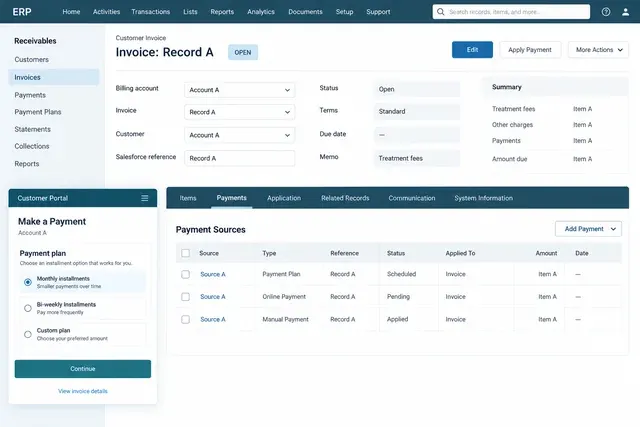
Connect customer-facing work with ERP orders, shipments, invoices, and payments.

  • Record ownership
  • Reliable synchronization
Where does ERP take over?

Salesforce typically manages customer, sales, and service workflows. Agree on which system owns each record, then define how updates, errors, and reconciliation will be handled.

Explore Salesforce

Selected work

See how the systems
connect in practice.

Explore ERP recovery, modernization, and integration work across manufacturing, retail, and healthcare, plus a Dynamics 365 CRM integration for project pricing.

ERP & cloud platforms

Applications

Development

Deployment

DevOps

Your first engagement

Start with something
your team can use.

A decision, a working connection, or a release. Choose the starting point that moves your business forward.

Your first deliverables

CTO strategy & discovery session

A roadmap your business and IT teams can review.

  • Workflow & system mapCurrent processes, systems, and dependencies
  • Architecture optionsTradeoffs, risks, and system ownership
  • Phased roadmapPriorities, first-phase estimates, and assumptions
Inputs & completion criteria
You bring
Business priorities, platform and version, recurring issues, and a representative transaction.
Complete when
Business and IT teams agree on priorities, dependencies, and acceptance criteria for the next phase.

Your first deliverables

Validate a complete business transaction

One working flow, from the first request to the final record.

  • Integration specificationField mappings and record owners
  • Working connectionAn agreed order, invoice, or stock movement
  • Recovery checksErrors, duplicates, and reconciliation
Inputs & completion criteria
You bring
One transaction, the connected systems, and access to representative test data.
Complete when
Business users have reviewed the result, and the agreed transaction, error-handling, and recovery scenarios pass.

Your first deliverables

Turn priorities into working software

Tested updates with a clear path to release.

  • Reviewed prioritiesAn agreed backlog and acceptance criteria
  • Tested updatesWorking changes, reviews, and test results
  • Release & handoff notesDocumentation, rollback, and support ownership
Inputs & completion criteria
You bring
Your backlog, release process, existing documentation, and the system owners.
Complete when
Each update meets its acceptance criteria and has an agreed release, rollback, and handoff plan.

ERP consulting FAQ

Questions before
the first change.

Clarify the platform, scope, and support responsibilities before committing to a larger project.

Should we configure, customize, or replace our ERP?

Start with the workflow gap. Use standard configuration where it fits and extensions or integrations where your ERP still meets your core needs. Consider replacement when support, controls, or architecture no longer meet your requirements. We review dependencies, data, upgrade impact, and operating costs before recommending a path.

Can you rescue an Odoo implementation or add custom modules?

Yes. Our Odoo work includes system assessments, configuration fixes, custom development, data cleanup, and ongoing support. The implementation route depends on your edition and hosting: Odoo Online supports configuration and available Studio features, while custom modules require Odoo.sh or a self-hosted deployment.

How does Salesforce fit into an ERP project?

Salesforce typically manages customer, sales, and service workflows. Integration connects those workflows with ERP records such as products, orders, shipments, invoices, and payments. We agree on which system owns each record and how updates, errors, and reconciliation will be handled between systems.

Which Dynamics 365 application do we need?

Dynamics 365 includes different ERP and CRM applications. Business Central covers business management; Finance and Supply Chain Management address financial and operational needs; Sales and Customer Service address customer workflows. We clarify the exact application, processes, licenses, and interfaces before scoping extensions or integrations.

Do we need to move our ERP to the cloud first?

No. An existing ERP can connect to cloud applications and integration services while staying in its current environment. We assess connectivity, security, latency, recovery, and support. Moving the ERP itself is a separate decision based on its deployment options, data requirements, and support responsibilities.

How do you protect operations during migration or upgrades?

We map critical transactions and integrations, validate representative data, and agree on acceptance criteria with the people who run the process. Migration rehearsals cover opening balances, inventory, open orders, failed updates, and reconciliation. We agree on cutover, rollback, and support responsibilities before go-live.

What should we bring to an ERP discovery session?

Bring the platform and version, the workflows causing difficulty, key integrations, and a representative order or report with sensitive data removed. We use these to define a useful first release, access requirements, acceptance criteria, and a realistic estimate.

Get in touch

Tell us where your ERP workflow gets stuck.

Tell us which systems you use and what needs to work better. We’ll help define a practical starting point.

What happens next

  1. Understand your priorities

    The decision, the systems, the sticking point.

  2. Explore the dependencies

    People, interfaces, and representative records.

  3. Agree on the next step

    A useful scope, clear outputs, and review criteria.

Need help with CTO strategy? Tell us which architecture or investment decision you’re working through.

We respond within one business day.

Awards & Certifications

IAOP The Global Outsourcing 100 Gartner Cool Vendor Cyber Essentials Certified Plus ISO 27001 Microsoft Gold Certified Partner Adobe Magento Solution Partner Odoo Partner Shopify Select Partner ISO 9001